
Webhook Registration
Register your notification webhook URL to recieve real-time events from Tamara. This one-time setup ensures your system is notified whenever a customer payment is processed succesfully.
This is an important step in the Tamara online order flow as it ensures that you, as the merchant, successfully receive webhook notifications that confirm the customer payment, and further related events.
Register a notification webhook URL (One-time Only)
1. Login to Tamara's Partner Portal
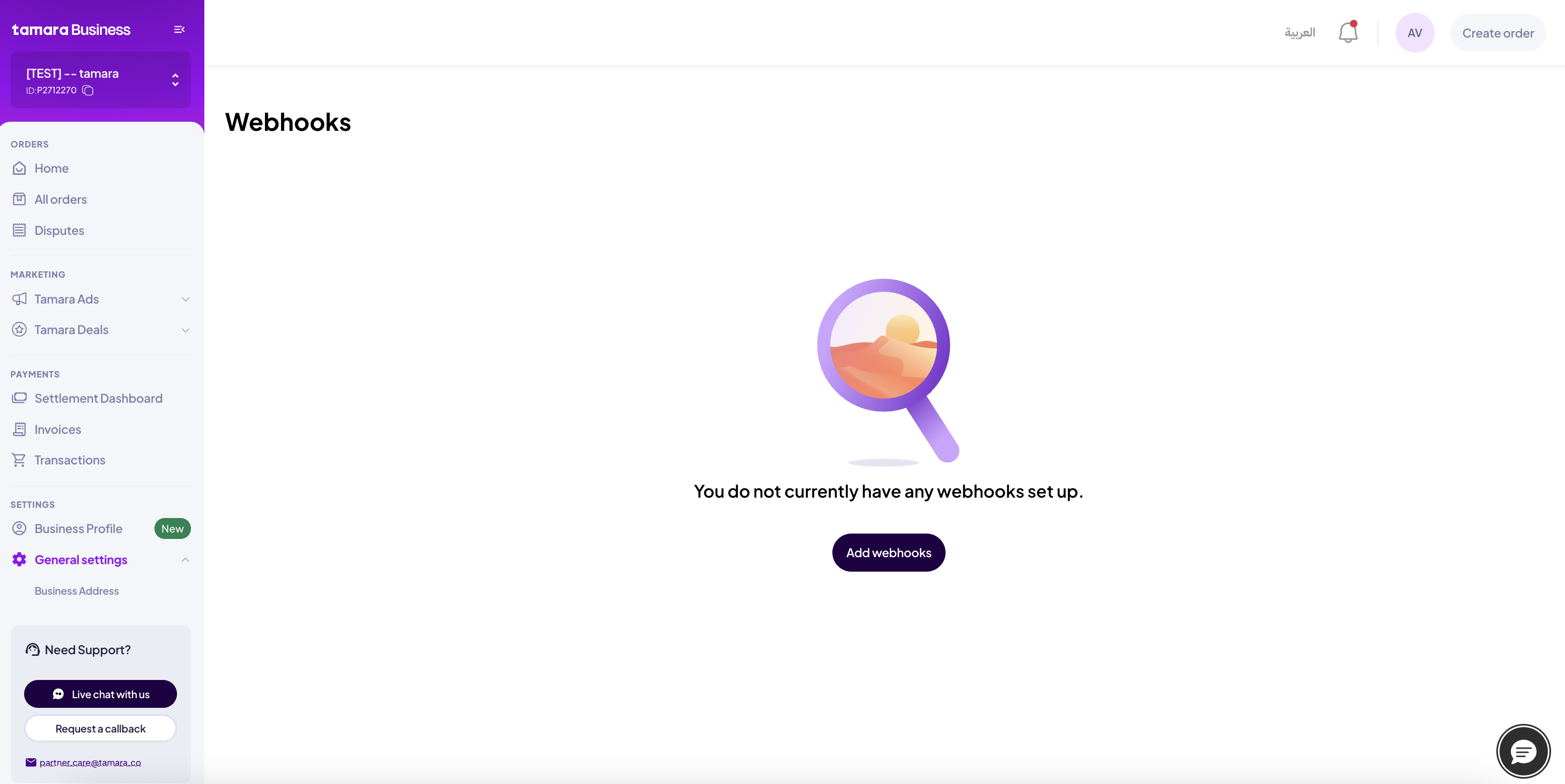
2. Go to Settings --> General Settings --> Webhooks
Click on Add webhooks
3. Enter the following information then click on Create Webhook
Create Webhook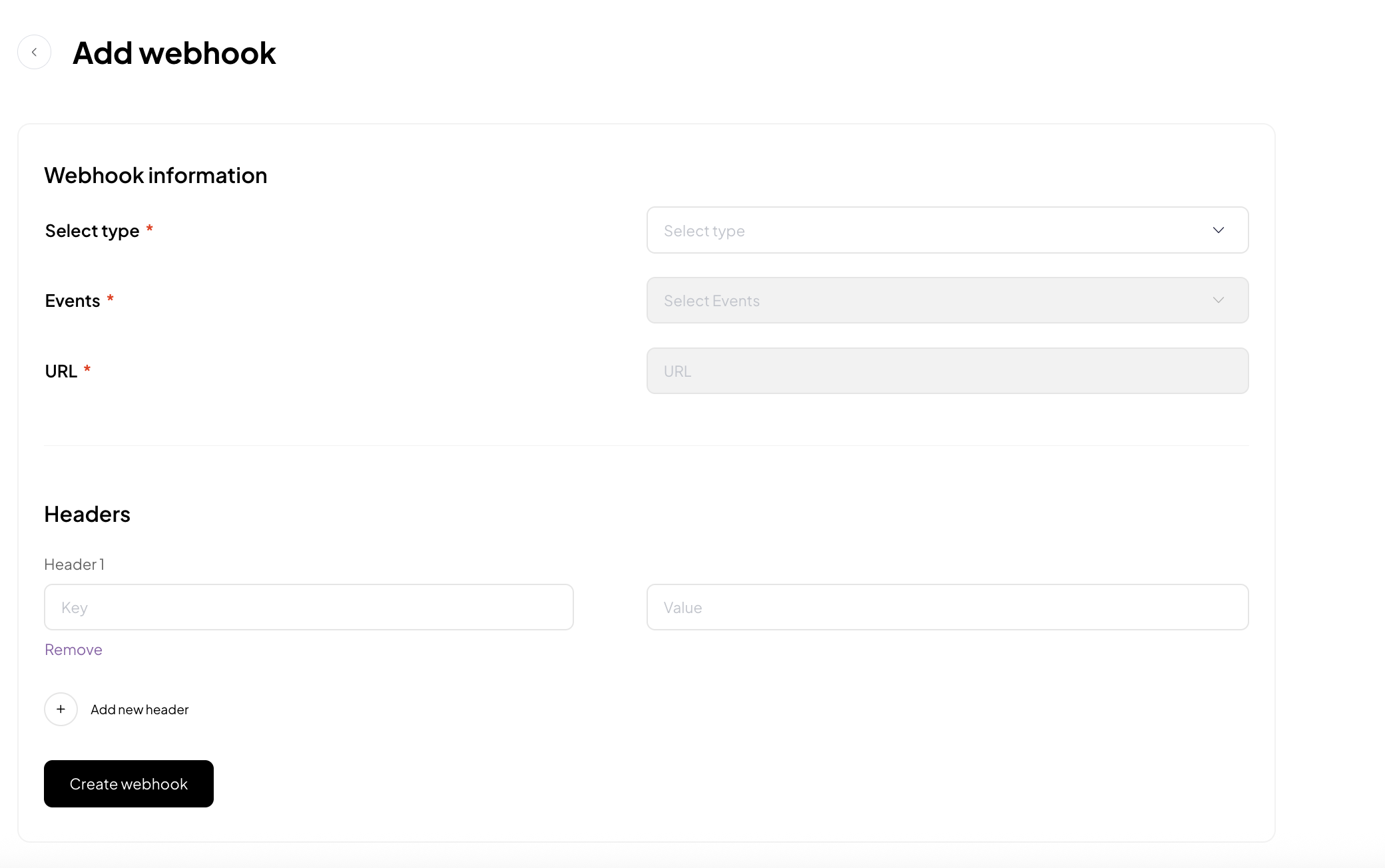
- Type: Choose the Type as Order.
- Events: Choose the Events (status changes) you wish to receive notifications for.
- URL: Enter the webhook URL(please use HTTPS) endpoint (the max limit for URL is 255 chars) that will receive the notifications.
- Optional: AddHeaders if your webhook URL requires any
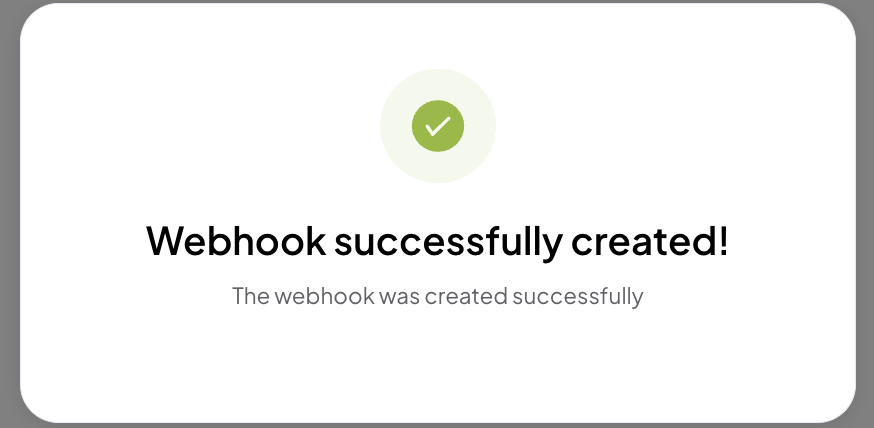
4. Webhook added successfully
Notification Handling
Tamara will notify merchant's webhook endpoint URL with a notification payload using the (HTTP POST request) method when order status is updated at Tamara's end with the events(status changes) you registered in Step [3]
Tamara provides a Notification Token to merchants to authenticate the notifications received from Tamara. This JWT token will be attached to the webhook/notification endpoint as a query parameter called tamaraToken as well as having that tamaraToken in the authorization header as Bearer tamaraToken (Check examples below for more information).
tamaraToken is an encoded JWT token using HS256 algorithm, and merchants can use the Notification Token provided by Tamara, to decode it, to ensure that the payload sent to your Webhook URL endpoint is sent from Tamara without any modifications (security aspect).
cURL Generic Sample
curl --location '{MerchantNotificationURLHere}?tamaraToken=<tamaraToken>'
-X POST \
-H "Content-Type: application/json" \
-H "Authorization: Bearer <tamaraToken>" \
--data '{
      "order_id":"<tamaraOrderId>",
      "order_reference_id":"<merchantRefOrderId>",
      "order_number":"<merchantOrderNumber>",
      "event_type":"order_approved",
      "data":[]}' \
cURL Example of an actual notification sent to merchant
curl --location 'https://notificationendpoint.com/notification&tamaraToken=eyJ0eXAiOiJKV1QiLCJhbGciOiJIUzI1NiJ9.eyJleHAiOjE2ODEyMTY0NDMsImlhdCI6MTY4MTIxNTU0MywiaXNzIjoiVGFtYXJhIn0.oD9V-HhWrAUTpti342QduaBeapncZBZ1apSY9dH8vfs' \
-X POST \
-H 'Authorization: Bearer eyJ0eXAiOiJKV1QiLCJhbGciOiJIUzI1NiJ9.eyJleHAiOjE2ODEyMTY0NDMsImlhdCI6MTY4MTIxNTU0MywiaXNzIjoiVGFtYXJhIn0.oD9V-HhWrAUTpti342QduaBeapncZBZ1apSY9dH8vfs' \
-H 'Content-Type: application/json' \
--data '{
    "order_id": "8c5e39bb-698d-4c9a-bf9b-efe9bb133fca",
    "order_reference_id": "903961577356246",
    "order_number": "903961577356246",
    "event_type": "order_approved",
    "data": []}' \
Example approved Notification Payload
approved Notification Payload{
"order_id": "4fdb781f-5e13-4ae2-9dc6-3ee49e3878a3",
"order_reference_id": "4464602579098",
"order_number": "90001860",
"event_type": "order_approved",
"data": []
}Example authorised Notification Payload
authorised Notification Payload{
"order_id": "4fdb781f-5e13-4ae2-9dc6-3ee49e3878a3",
"order_reference_id": "4464602579098",
"order_number": "90001860",
"event_type": "order_authorised",
"data": []
}Example captured Notification Payload
captured Notification Payload{
"order_id": "4fdb781f-5e13-4ae2-9dc6-3ee49e3878a3",
"order_reference_id": "4464602579098",
"order_number": "90001860",
"event_type": "order_captured",
"data": {
"capture_id": "14c594f8-84ec-4f45-8fec-6ef1e2fde2ff",
"captured_amount": {
"amount": 300.00,
"currency": "SAR"
}
}
}
Important NoteThis server-to-server communication will also help to avoid the frontend redirection issue during the checkout.
For e.g., once the customer has completed the payment at Tamara checkout and wasn't redirected back to your frontend website/app due to any network/connection problem, your system would still receive the notification from us in the background.
Updated 3 months ago