
UAE Testing Guide
Step 1: Log in/Sign up
1. Phone number will be auto-filled. If you wish to modify the phone number, type it in.
| Country | AE |
|---|---|
| Country Code | +971 |
| No. of digits after Country Code | 9 Digits (Following the initial 5, the next digit can only be: 0, 2, 3, 4, 5, 6, 8) |
Sample scenarios
| Test Case | Phone Number |
|---|---|
| Success | Any random phone number 9 Digits (Following the initial 5, the next digit can only be: 0, 2, 3, 4, 5, 6, 8) |
| Declined | 526422337 |
Randomize your testing phone numbers, avoid reusing, avoid special numbers.Please use random phone numbers that are not considered “special numbers”
Special Numbers examples to avoid:
- 511111111 or 512345678 or 500000000
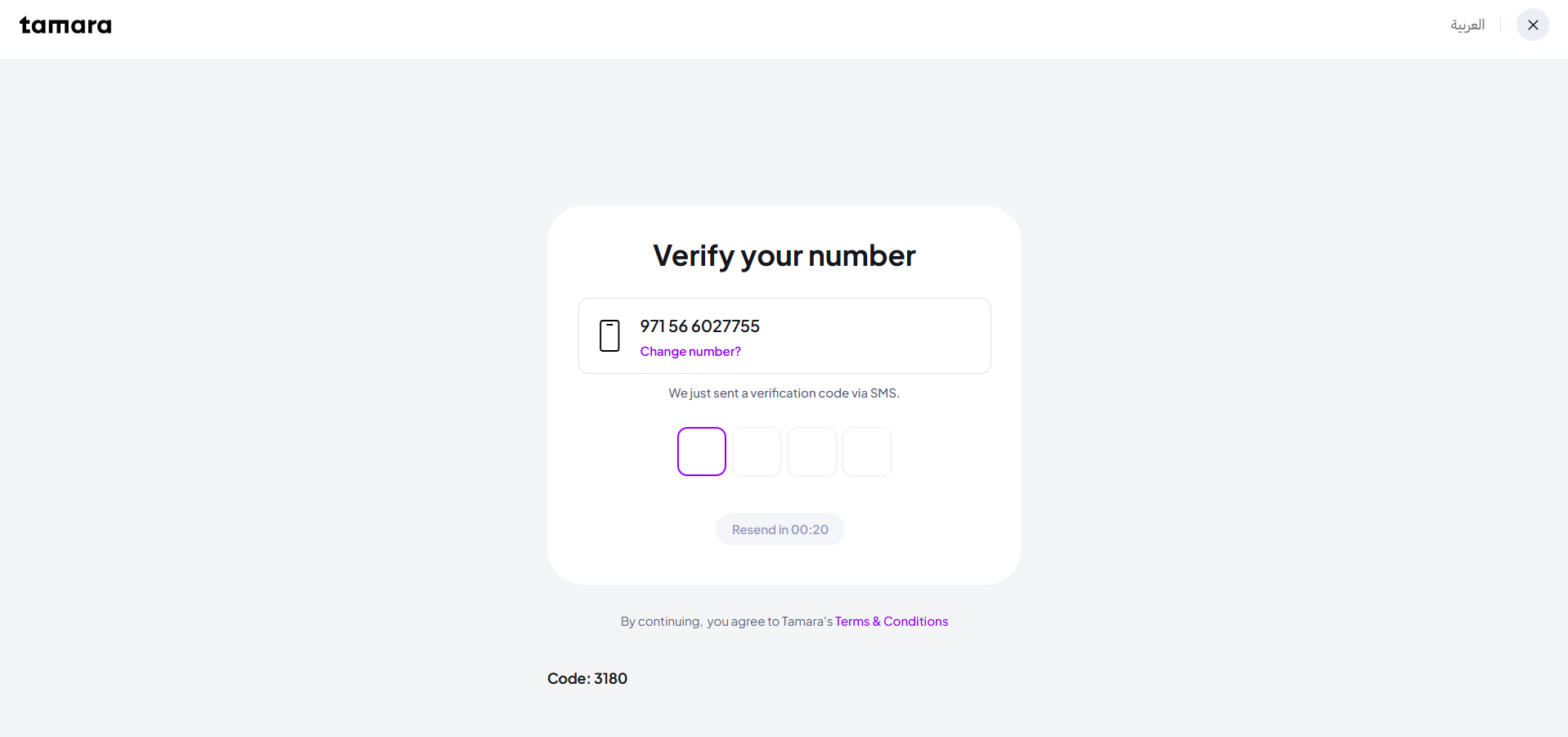
2. Fill in the verification(OTP) code received on the registered phone number.
During Sandbox checkout testing, please follow the below steps:
On the Checkout screen, click on the "Send code" button.
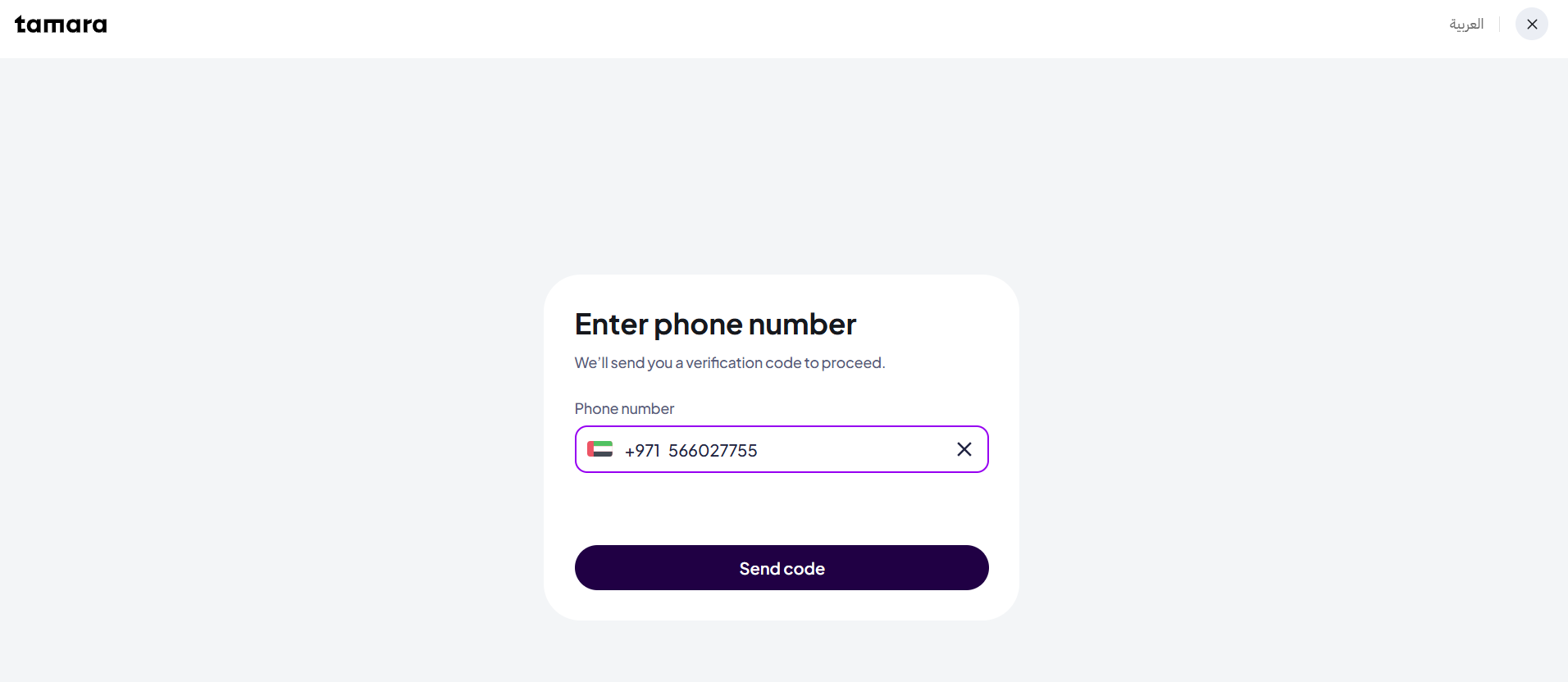
Enter the 4-digit code shown at the bottom of the screen and the page will automatically move to the next step.
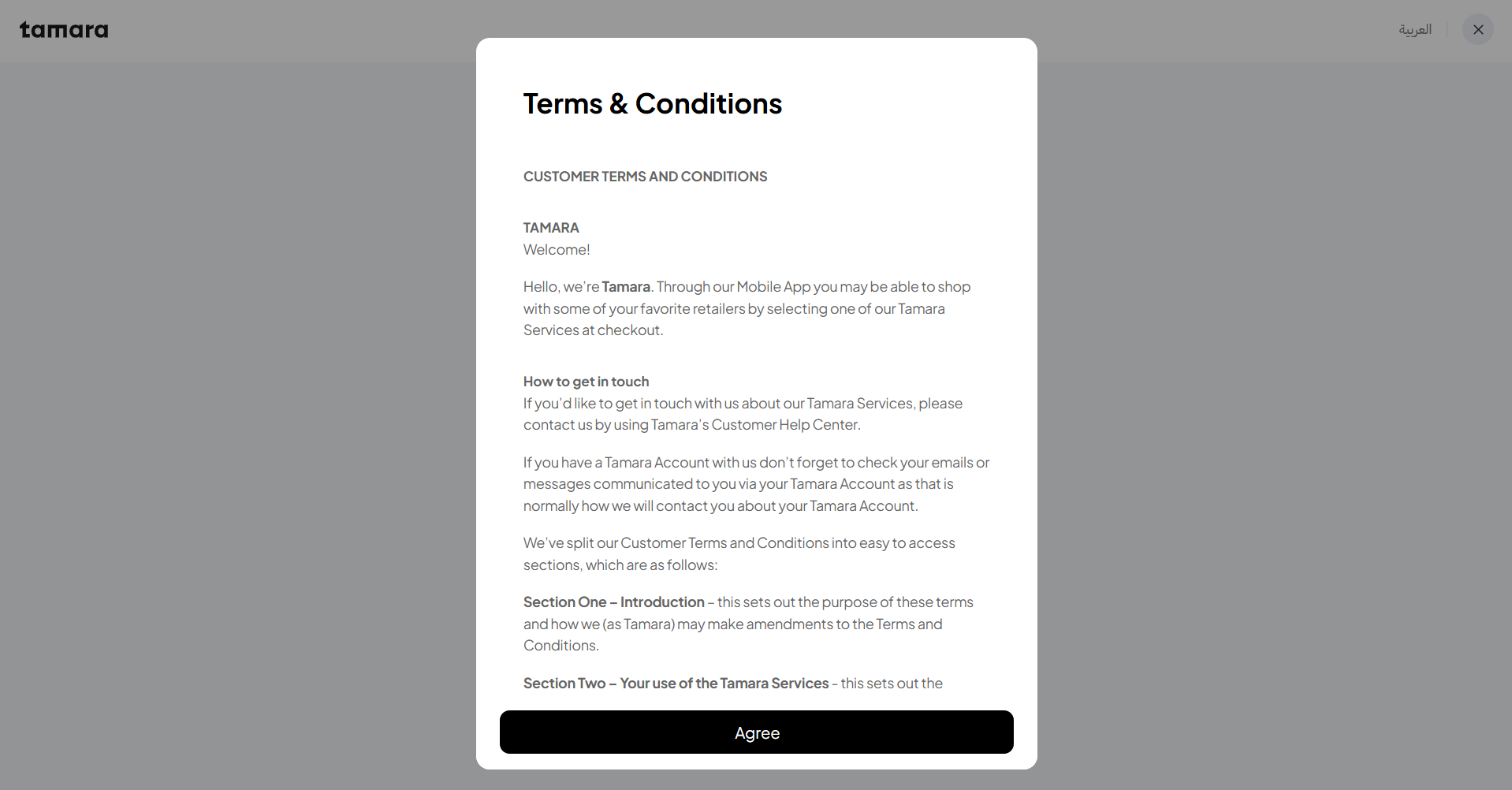
Click on "Agree"
Step 2: Verify the ID information
The customer has to provide their ID information (for new user checkout, first time only).
During Sandbox checkout testing, please follow the below steps:
For 🇦🇪 UAE ID verification process:
The below section demonstrates the UAE IDV process on sandbox, the process on production is slightly different.
-
Click on Get Started
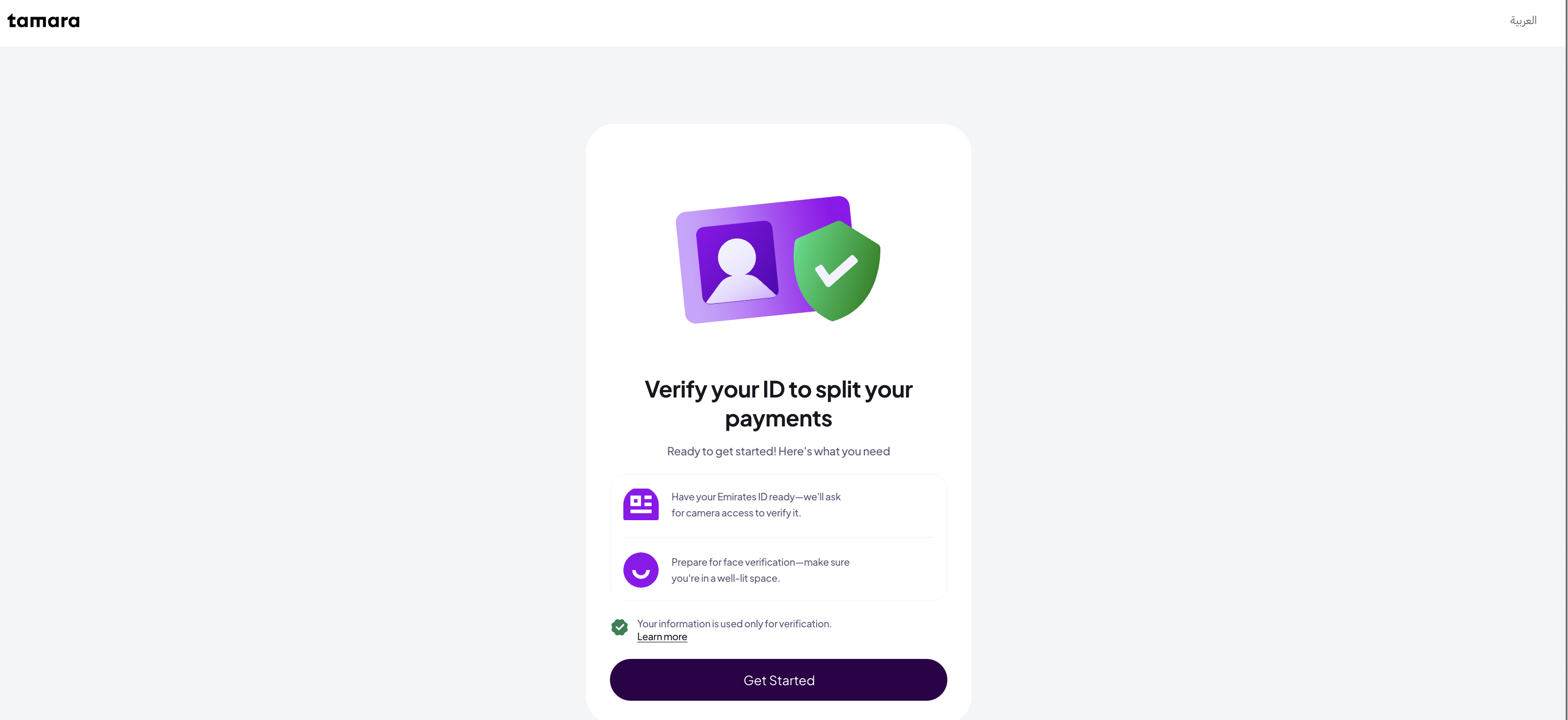
-
Click on Continue
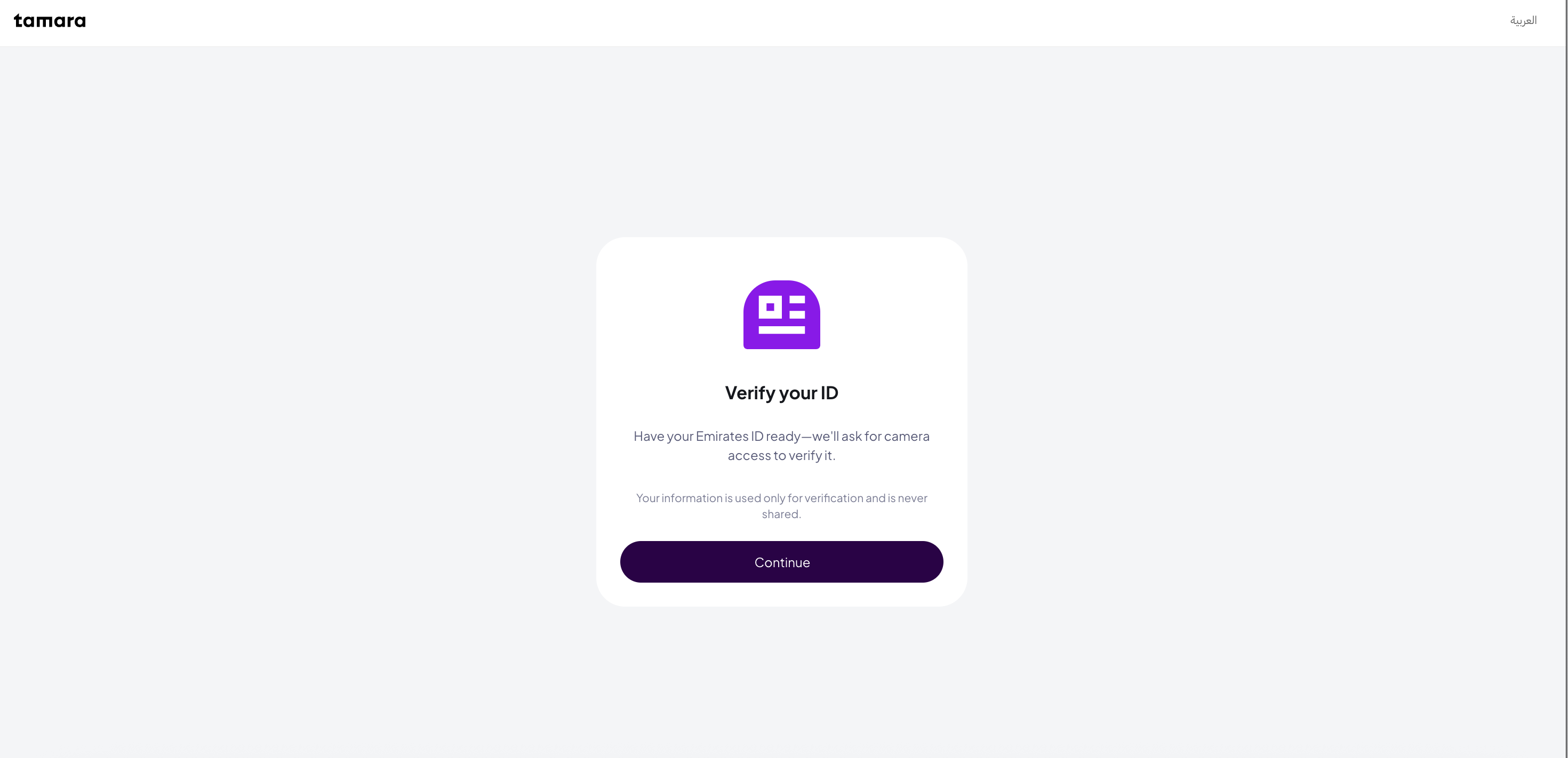
-
Click on Continue
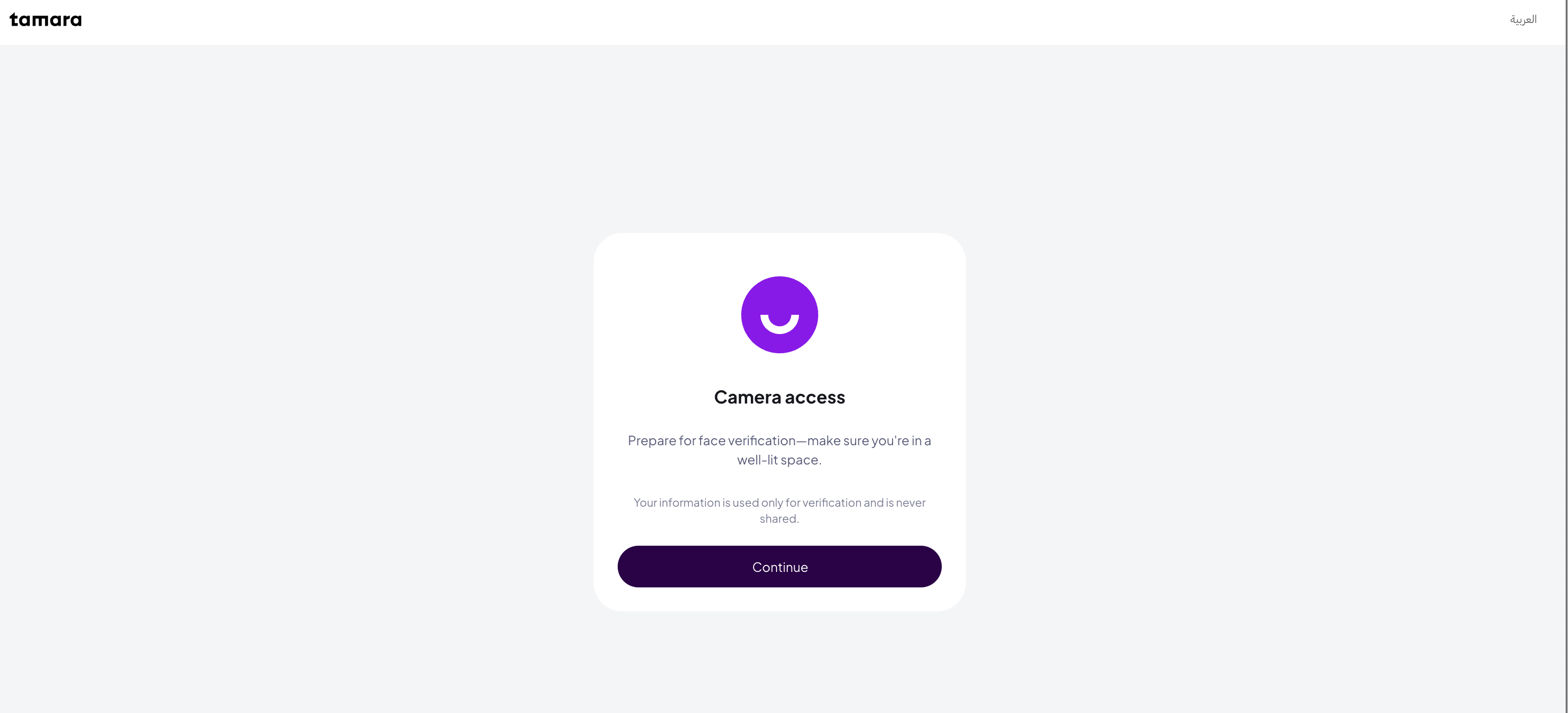
-
Once ID verification has been passed, you will be redirected back to the Payment Plan page. Enter the test card details and complete the transaction.
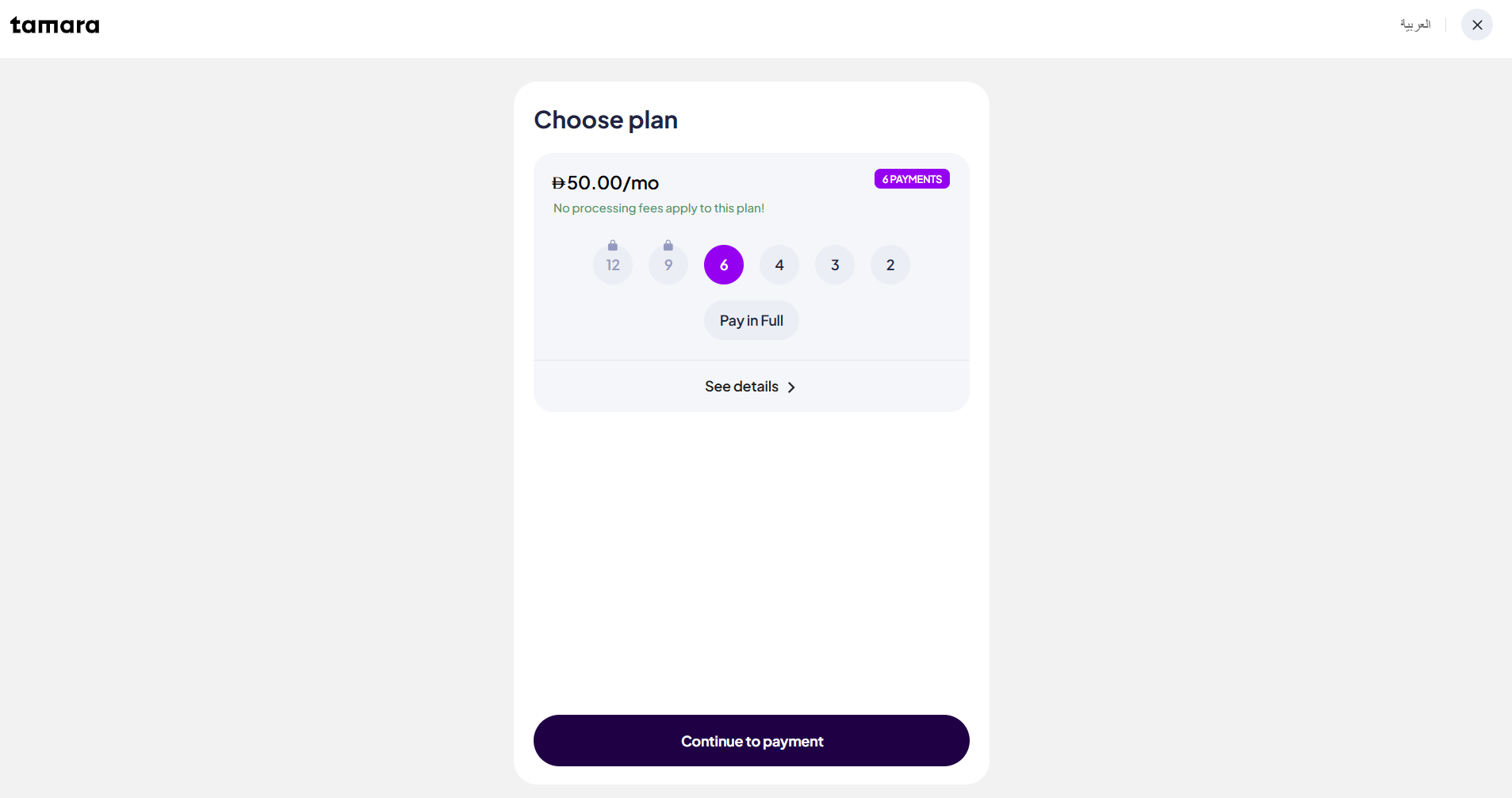
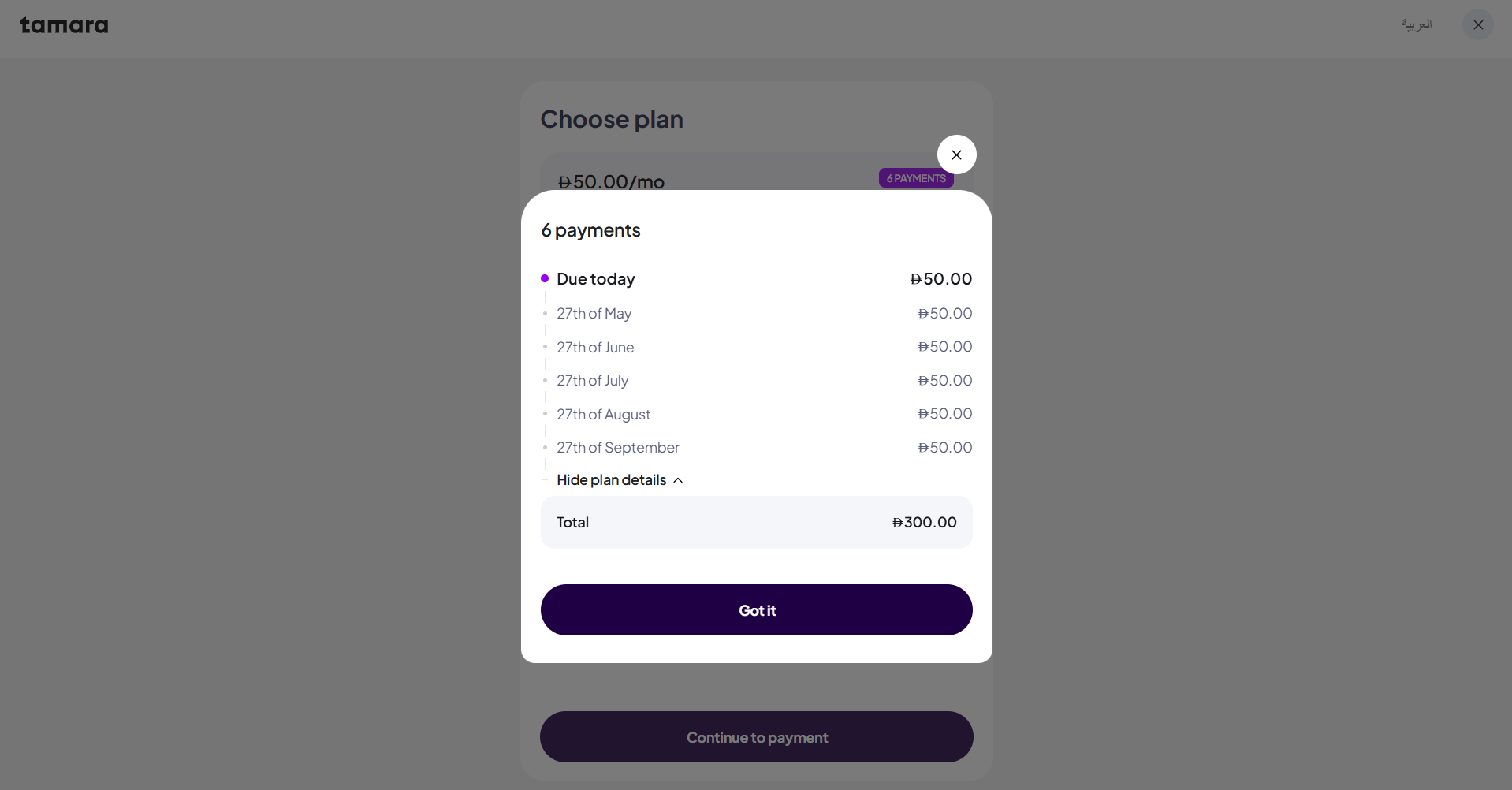
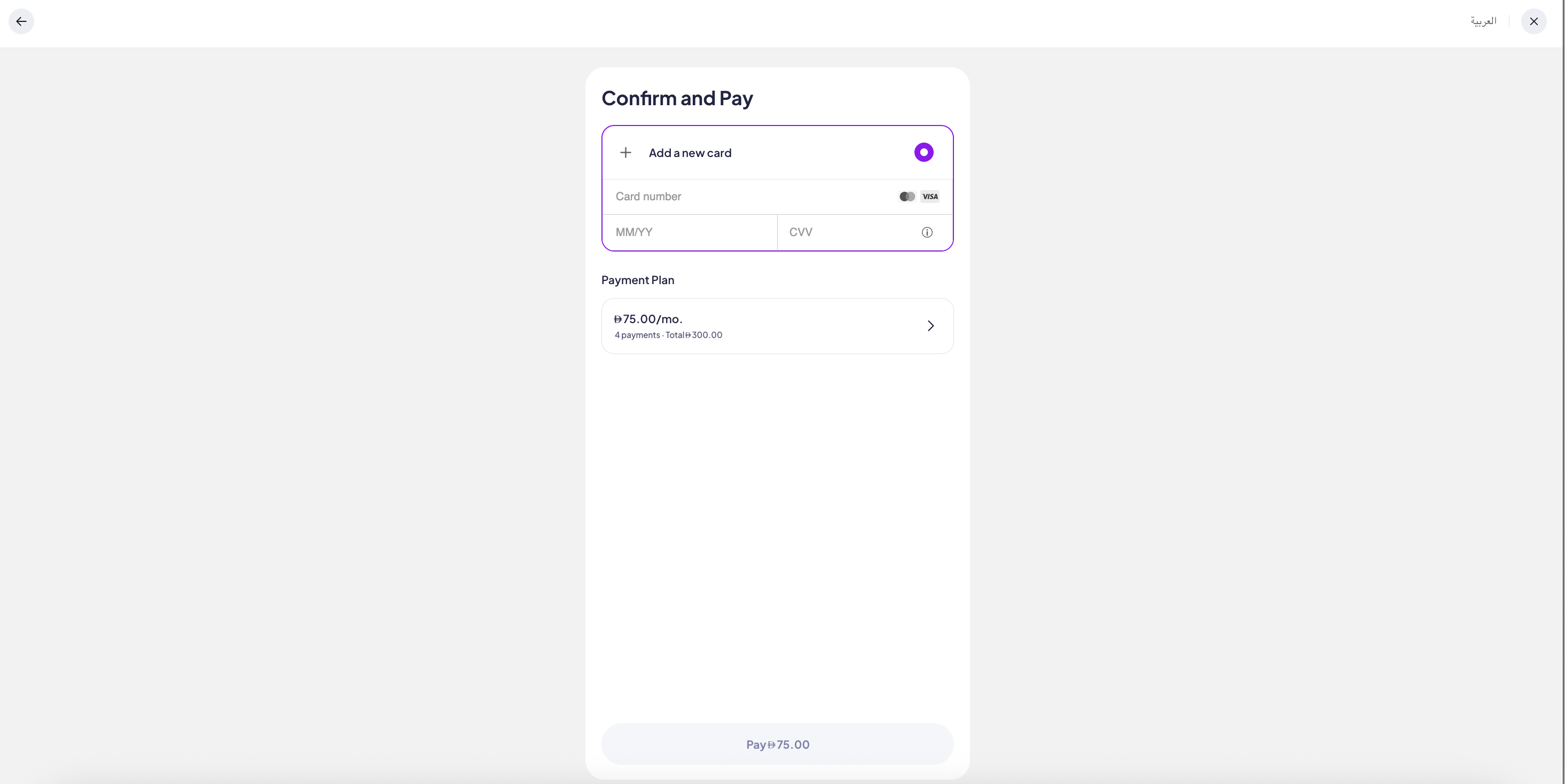
Step 3: Add card information
During Sandbox checkout testing, please follow the below steps:
Check the test card details here: Testing Cards
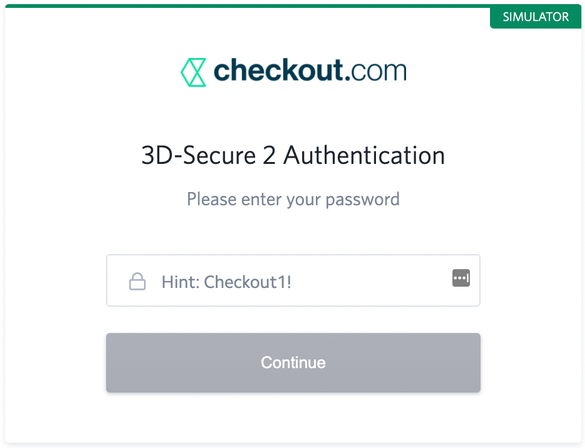
Note: For 3DS cards, enter Checkout1! if you see this page
Live TestingPlease use any of your actual bank cards, Tamara supports a wide range of card types such as VISA, MasterCard, MADA(🇸🇦 KSA Only) & AMEX(🇸🇦 KSA Only) for customers to choose from.
Updated 12 days ago